One plan for everyone coming.
Share the schedule, collect RSVPs, and keep travel details and photos together. Plan a dinner, a wedding weekend or a team offsite—with a website your guests can open on any phone.
Describe it, paste your plans, or start with the details you know.
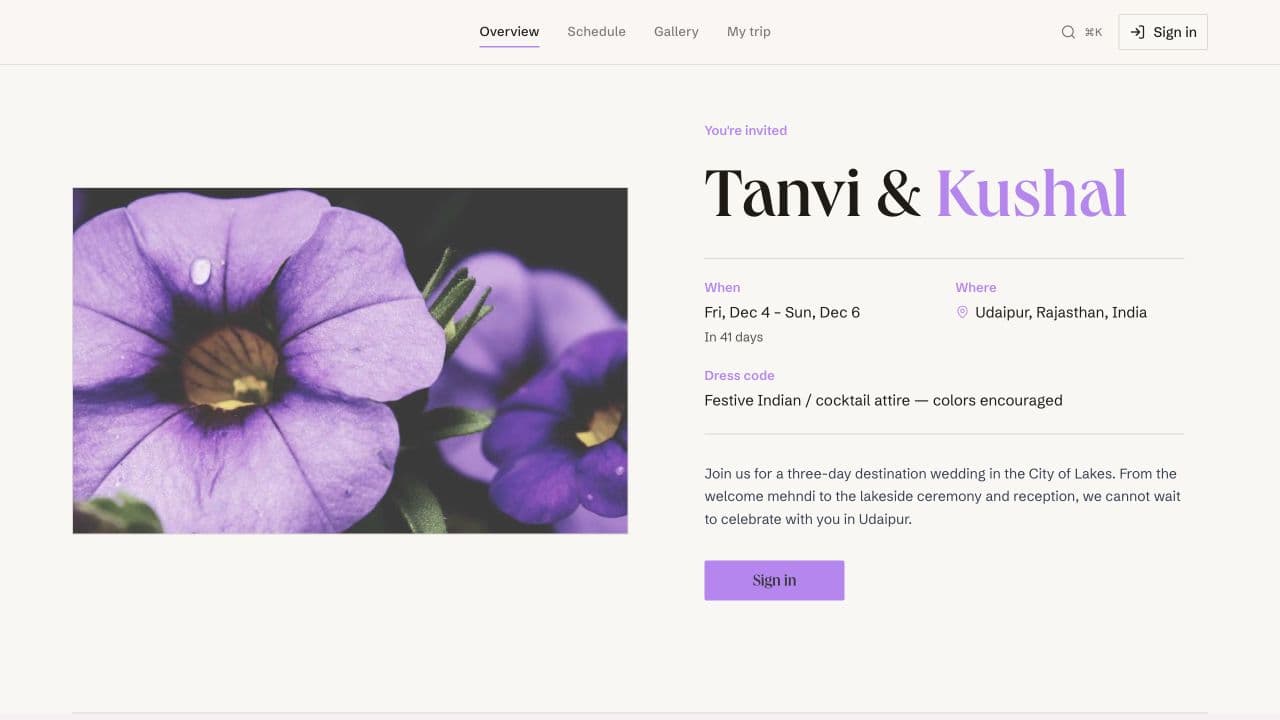
See the plan your guests can open
Browse public schedules and venue details without signing in. Personal actions such as RSVPing and adding travel details require an account.
All examplesDestination wedding · Rajasthan
Tanvi & Kushal
Browse three days of celebrations, with activity times, venue details and dress notes.
- Multi-day schedule
- Venue details
- Wedding design
Company offsite · Lisbon
Product Summit ’26
Explore a past offsite agenda with roadmap reviews, breakout workshops and team dinners.
- Per-day agenda
- Workshop details
- Team dinners
Milestone birthday · weekend
Roshan’s 40th
Browse a past birthday weekend, from arrival plans to dinner and the celebration.
- Activities schedule
- Weekend plans
- Birthday design
Interactive walkthrough · sample data
The host’s plan. The guest’s next step.
Try a schedule change, an RSVP or a room assignment. This illustration stays in your browser; it does not change a real event.
A weekend together
Friday–Sunday · Sample event
Host & authorized organizers
Dinner plans changed?
Update the activity where the rest of the plan lives.
Friday · Welcome dinner
7:00 PM · The garden
Alex’s guest view
Friday’s plan
- 4:00 PMArrive & settle in
- 7:00 PM
Welcome dinner
The garden · Bring a layer
Guests see the saved plan when they open it. A schedule edit does not automatically send a push notification.
Schedules, RSVPs, travel and photos
Start with what you need. Add travel, organizer roles and shared photos as the plans grow.
All features01Plan
Event website and schedule
Draft your event details and schedule. Choose the website design and upload documents for your guests.
- AI event creation — draft event details and a schedule from text, photos or PDFs
- Event schedule — hour by hour or day by day, with places and dress notes
- Design studio — themes, layouts, cover images and accent colors
- Documents & itineraries — menus, contracts, and waivers tied to the event
02Invite
Guest list and RSVPs
Import your list, organize groups and roles, and share a single link or QR code. Guests can browse on the web and sign in to RSVP — no app download needed.
- Guest management — guest imports, groups, roles and CSV or Excel exports
- RSVP & plus-ones — dietary, accessibility, and room needs included
- QR codes & shareable invites — share an event link or QR code; no app download required
- Announcements & chat — event announcements and guest conversations
- Co-host roles — give co-hosts and vendors access to the parts they manage
03Coordinate
Travel and room assignments
Share hotel details, assign rooms and vehicles, and review guest flights. Guests can find their own travel information in My trip.
- Travel & stay — hotel information, room assignments and guest pickups
- Flight tracking — guest flights, arrival times and available airport details
- Weather forecasts — forecasts for the event location when available
- My Trip & calendar sync — each guest's personal itinerary, calendar-ready
04Remember
Shared event photos
Collect event photos in a shared gallery. Guests who opt in to face recognition can find photos matched to their selfies.
- Face-recognition gallery — find matched photos after opting in with a selfie
- Shared gallery — host photos and optional guest uploads
Connect Festi to Claude or ChatGPT
Review RSVPs, change the schedule and manage rooms from your assistant. It uses your Festi permissions to read or update your events.
See what you can ask“Help plan a three-day welcome weekend for my parents’ anniversary in June.”
“Who still hasn’t RSVPed? List the guests I need to follow up with.”
“It’s raining — move the welcome drinks indoors and update the schedule location.”
About Festi
What is Festi?
Is festi free?
Will my guests need to create an account?
Can I make a multi-day event schedule?
Can I manage guest travel and room assignments?
Can I manage my event from Claude or ChatGPT?
Start your event.
Bring the schedule, guest list and travel details into one shared plan.