Customize your event website
Choose a theme and layout, add a cover image, and select colors from your photo or a preset palette.
Themes
Choose a theme with coordinated type and page styling.
Page layouts
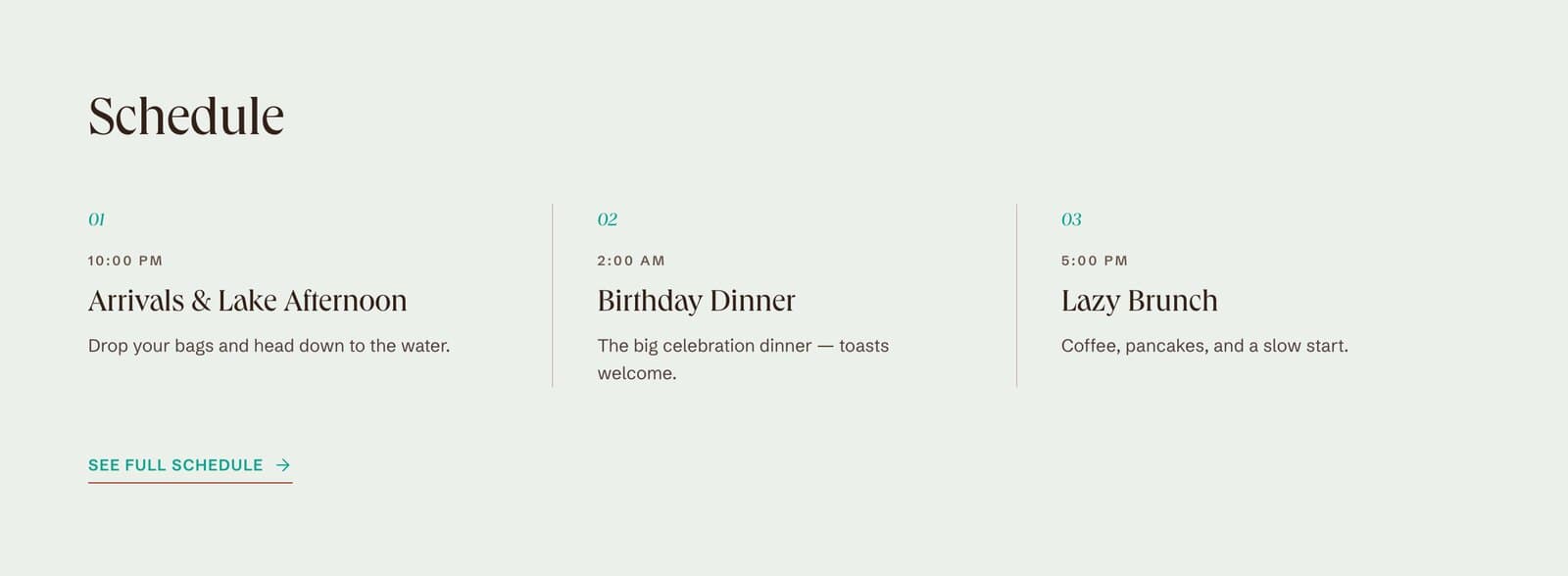
Select how sections appear on the event overview.
Cover images
Upload, search for or create a cover, then adjust its framing.
Accent colors
Choose colors extracted from your cover or use a preset.
Website appearance
Choose themes, layouts and cover images
Select a theme and page layout, then add a cover image. Festi extracts accent palettes from your cover. Choose a palette, adjust the image framing, and select an image look.
- Choose a theme and overview layout
- Select cover colors or preset accent palettes
- Adjust the cover’s framing and image look
Example event
Explore a wedding website with a customized cover, theme and page styling.
Tanvi & Kushal · Destination weddingRelated features
FAQ
What can I customize on my event website?
Choose the theme and overview layout, add or replace the cover image, adjust its framing and image look, and select an accent palette.
Can I use colors from my invitation or cover photo?
Yes. Festi extracts accent palettes from the cover image. Choose one of those palettes or use a preset. Themes provide the page’s typography and styling.
Start your event.
Bring the schedule, guest list and travel details into one shared plan.